Overview
The WS Picking app is a complete client-server solution that implements a usable picking workflow for small-screen devices, complete with network communications and a fully functional database back-end. The solution provides a complete implementation intended to serve as a reference to demonstrate:
- A workflow for small-screen devices
- Use of single-step activities that combine to complete larger tasks
- Remote user log-in, which helps to reduce reliance on small-screen typing
- Example code that can be extracted or extended for use in production environments
Sample App Screens
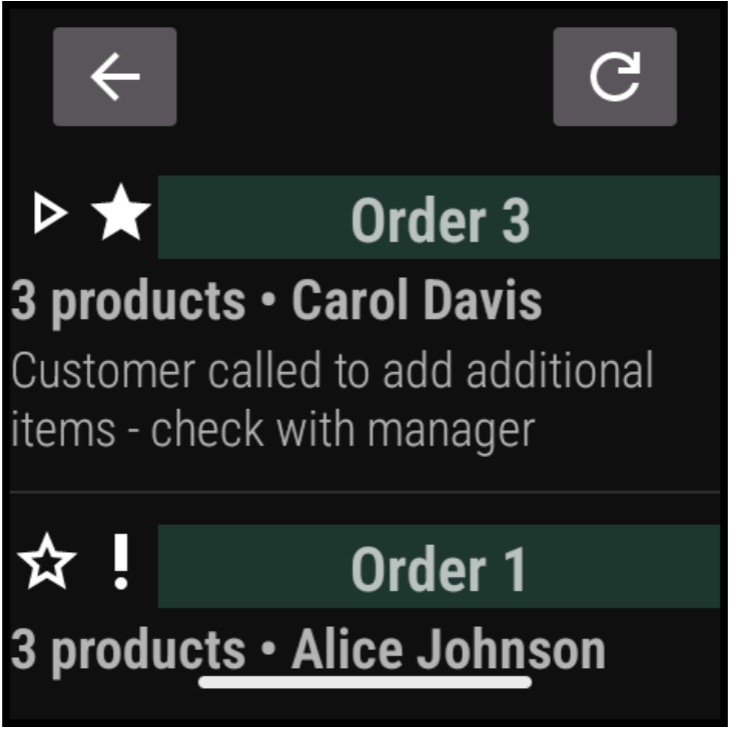 |
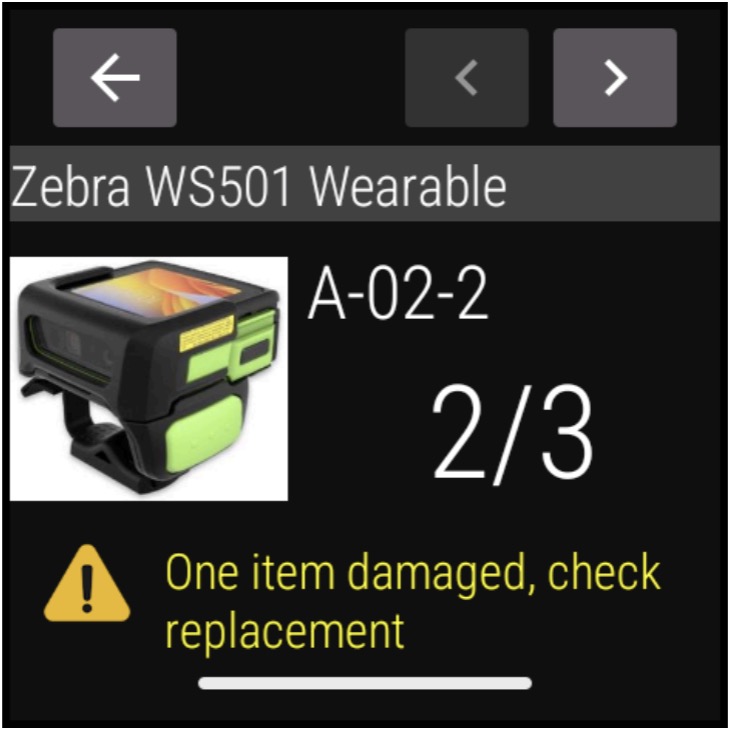 |
|
Picking assignments screen (above, left); sample inventory item
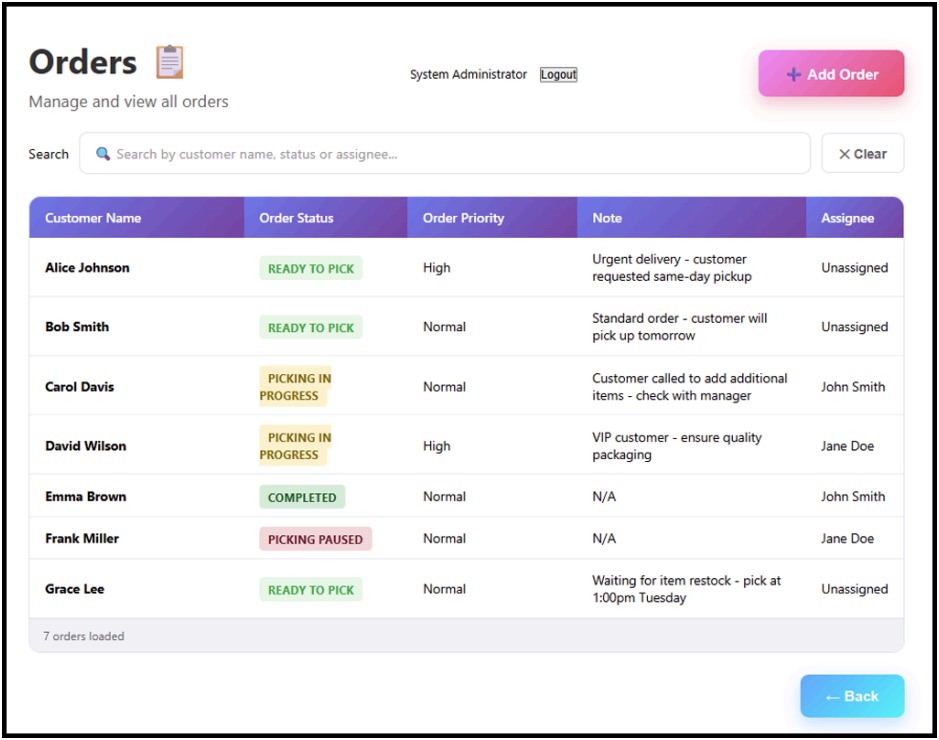 Sample order management screen on the WS Picking web server
For demonstration purposes only. NOT intended for use in production environments.
See User and Administration Guide linked below for security and hardening recommendations.
Requirements
- One or more Zebra WS301 or WS501 devices running Android 13 or later
Downloads
- WS Picking demo app | Android client app (
.apk) optimized for the 2-inch display - Server-side component | A Java-based back-end server (
.jar) for managing users, products and orders - WS Picking source code | A file called
ws-picking.zipcontaining client and server source code
How to Use
Refer to the WS Picking User and Administration Guide for complete usage instructions.
Also See
- Wearable Series Guides page - A list of all admin and programmer's guides for Zebra wearable series devices.
- WS301 Programmer's Guide - Best practices for building apps to target WS301 wearable computers.
- WS50, WS50 RFID, WS501, WS501 RFID Programmer's Guide - Best practices for building apps to target WS5x-series wearable devices.